These proxies are intended for prototyping and frontend testing. For production environments, consider implementing your own backend service with additional security measures and rate limiting.
Rationale
The DeepL API does not permit calls from client-side JavaScript - that is, from JavaScript running in a browser. This policy exists to keep your API key safe. When you place a call from your website directly to the DeepL API, that call needs to include your API key. Anyone using your website could look at the network calls or your code itself, find your API key, and use it themselves. For this and other security considerations, DeepL does not enable the CORS headers you would need to call the API from a webpage hosted on your origin. The industry-standard approach is to call APIs like DeepL’s from a back-end service. DeepL enforces this best practice to keep your credentials secure.When to use a quick proxy
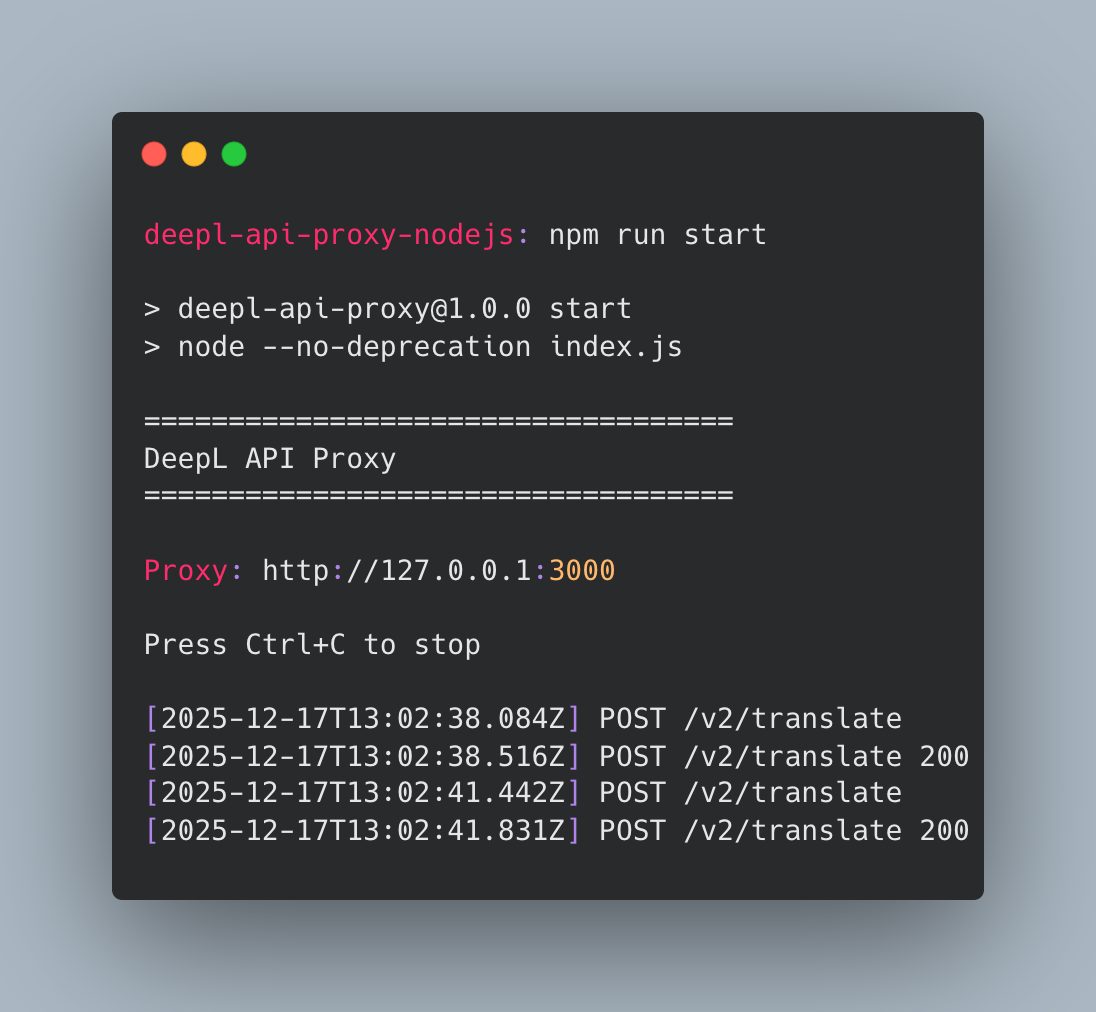
But what do you do if you want to use the API quickly, in a prototype, a demo, or a hackathon, where you need to get up and running fast? What if you don’t have easy access to a server? For such situations, here are two solutions.Node.js Proxy Server
GitHub - DeepLcom/deepl-api-nodejs-proxy
DeepL API Node.js Proxy on GitHub
Quick & dirty PHP proxy
If you’re just using our/translate endpoint and want an even quicker solution, or if you don’t use node.js, you could use the PHP code below to create an instant proxy server. If PHP is not already installed on your machine, you can download and install it at php.net.
The PHP script takes the parameters in the query string and passes them into a POST request to /translate. It does not check that the parameters are valid and does not support any other endpoints, although you could modify it to do so.
To use this while developing on your local machine:
- replace
{your API key here}with your actual API key - create a file in your favorite directory with the PHP code below
- go to your terminal and visit that directory
- type
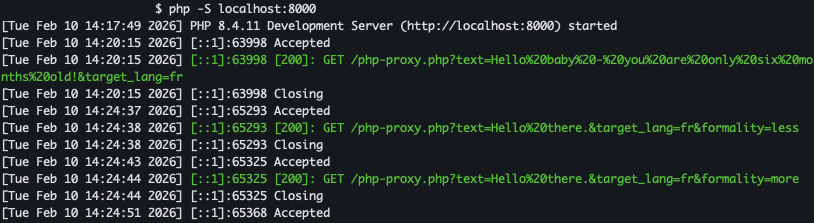
php -S localhost:8000
http://localhost:8000/php-proxy.php. For example, to send a translation request with text and target_lang:
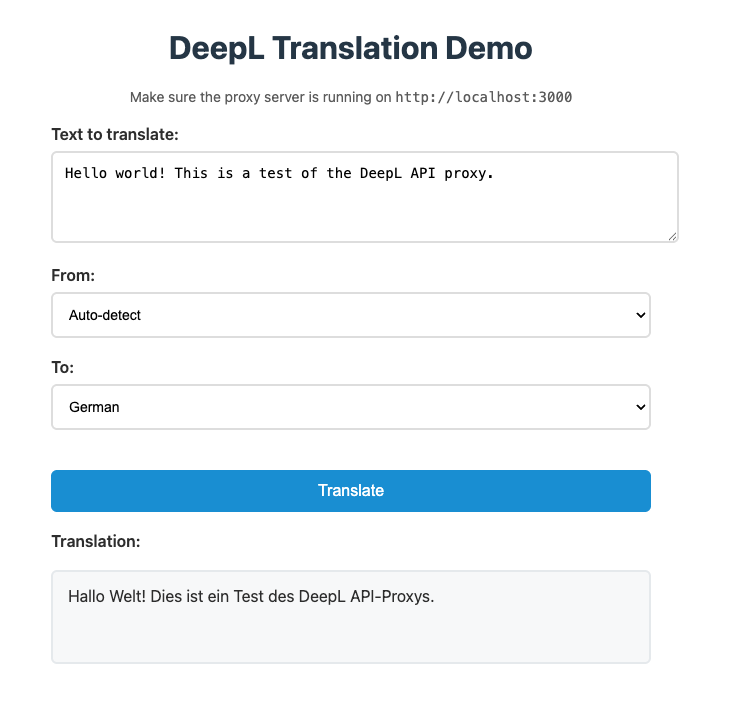
Screenshots
Node.js proxy
PHP proxy